

Taxes on Tickets
If your event is in a jurisdiction where EventPassHero collects sales tax, tax is applied automatically at checkout based on your event's venue ZIP code. You do not set the rate manually — the platform looks it up when you save your event. Tax collected is passed through to you; it is not a fee the platform keeps.
How tax is determined
The tax rate for your event is based on your event's physical address. When you save your event's Basic Info, the platform looks up the applicable rate for that ZIP code and stores it with your event. If you later change the venue address, save the event again so the rate updates to the new location.
If you add your event to a ZIP code that doesn't yet have a rate configured, no tax is applied until a rate is added and you re-save the event. Tax is also independent of any absorb-fees settings — the absorb toggle only affects platform and Stripe processing fees, not tax.
Where to see tax in your event
Tax collected appears on the Reports & Finance screen for your event.
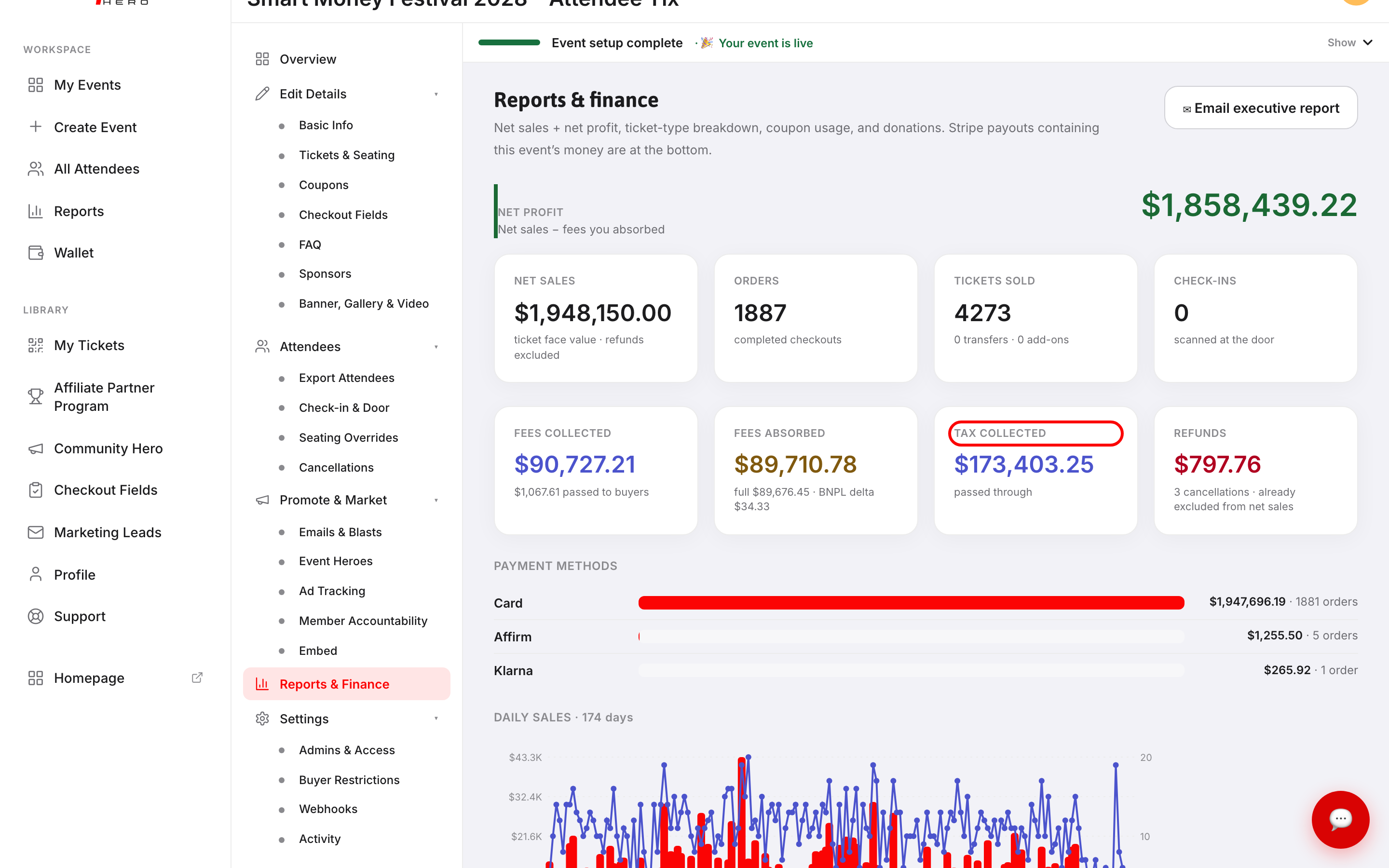
TAX COLLECTED shows the total tax amount collected across all orders. The sub-label "passed through" confirms this money flows to you, not to EventPassHero.
What buyers see
At checkout, buyers see a tax line item in the order summary alongside the ticket price and any platform fees. The tax is calculated on the ticket face value.
Picking up a rate change
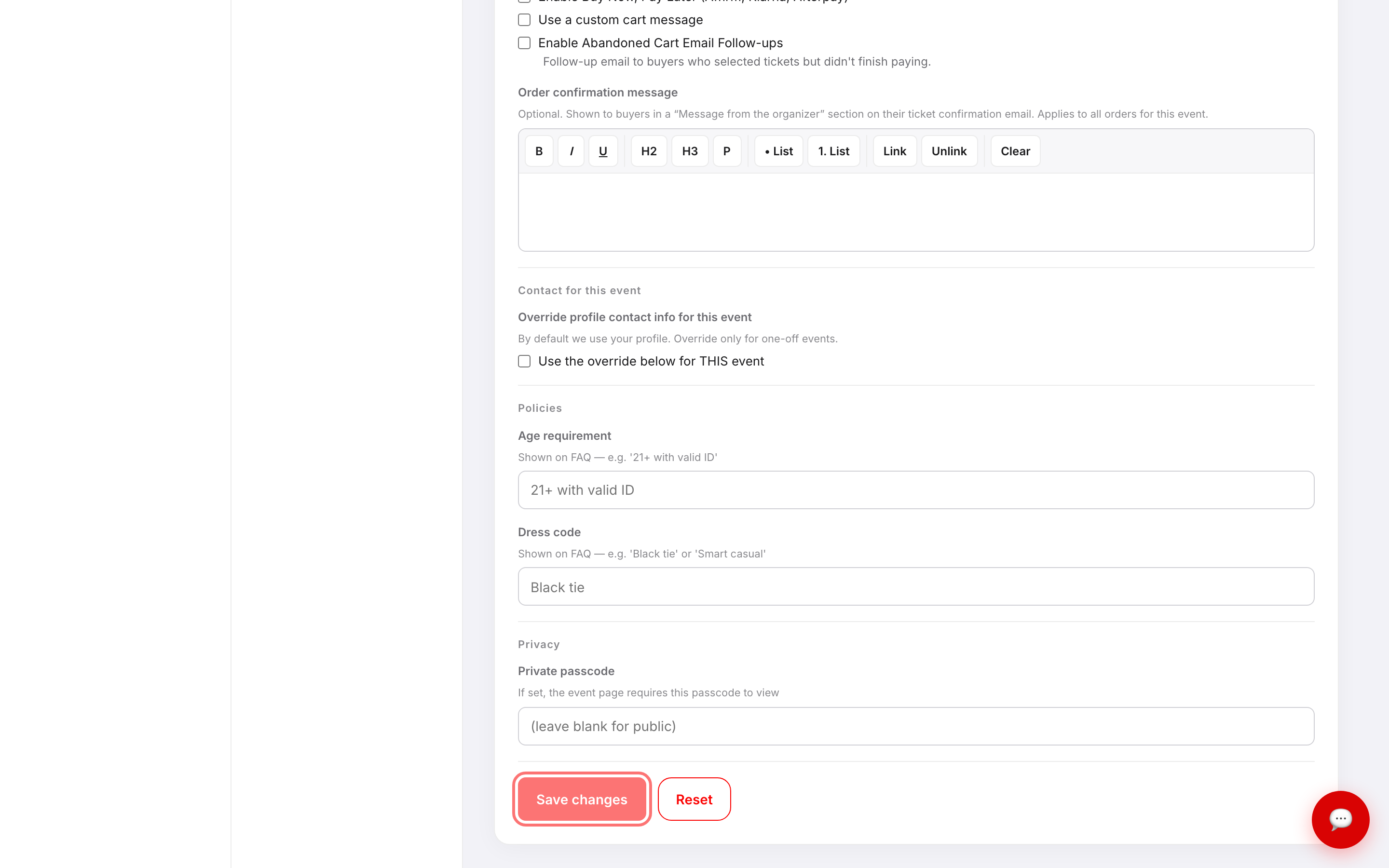
If your venue ZIP code's tax rate changes, or you move your event to a different ZIP code, you need to re-save your event for the new rate to take effect. Go to Basic Info, make any change (or simply click Save changes without changing anything), and the platform re-runs the ZIP lookup and stores the updated rate.
Troubleshooting
- No tax is showing at checkout — tax collection depends on whether your ZIP code is covered. If you expect tax to apply, check that your event address is correct on the Basic Info screen and re-save the event.
- The tax rate looks wrong after moving the venue — the rate is calculated at save time. Open Basic Info and click Save changes to trigger a fresh rate lookup for the new address.
- I see TAX COLLECTED as $0 on the Reports screen — this is expected if tax is not enabled for your event's jurisdiction, or if the event has had no paid sales yet.
Last updated 2026-08-14 · All FAQs & video tutorials