

Event Heroes and Affiliate Tracking
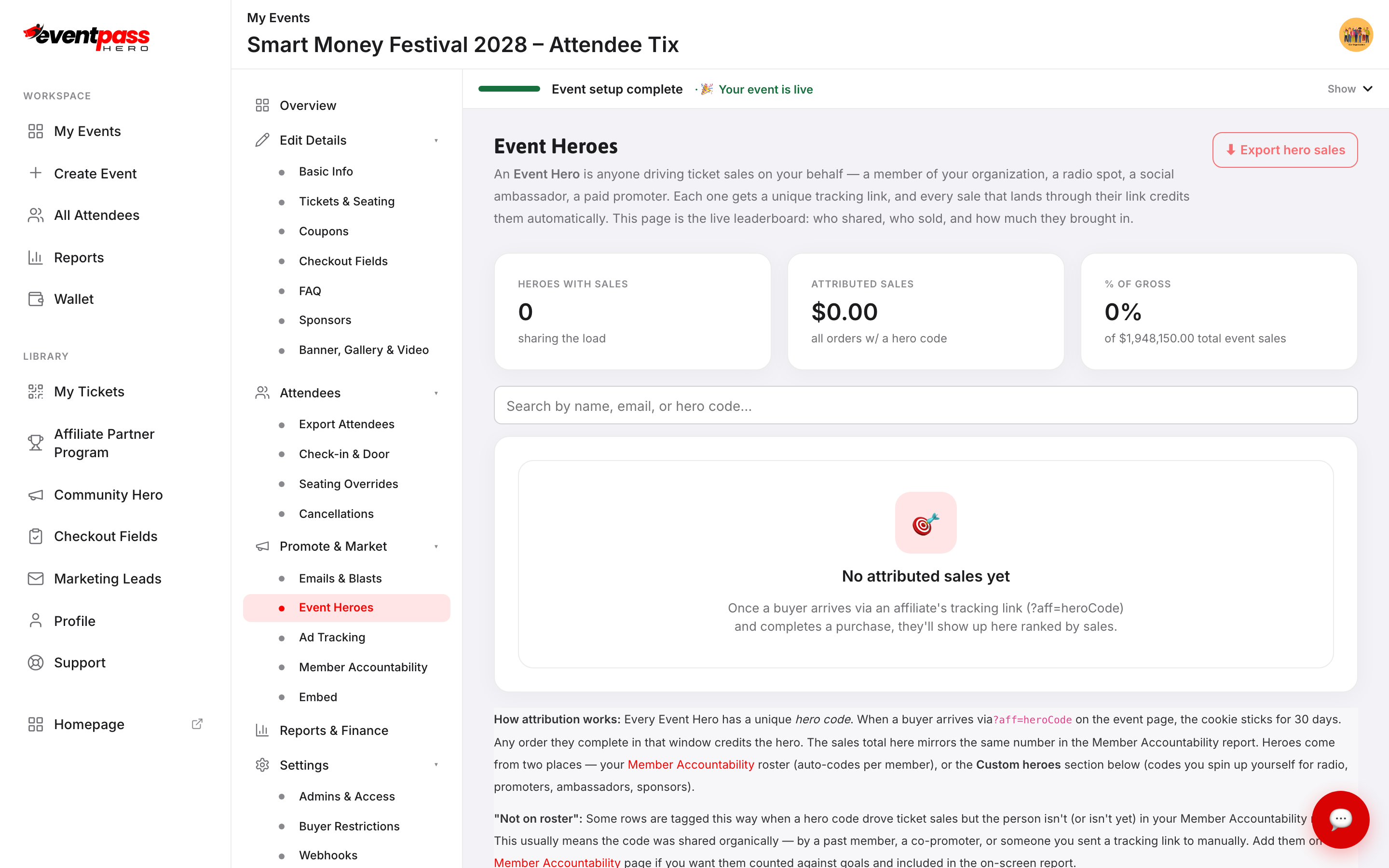
An Event Hero is anyone who drives ticket sales on your behalf — a member of your organization, a radio spot, a social media ambassador, or a paid promoter. Each one gets a unique tracking link. When a buyer arrives through that link and completes a purchase, the sale credits the hero automatically. The Event Heroes screen is the live leaderboard: who shared, who sold, and exactly how much they brought in.
How attribution works
Every hero has a unique hero code attached to their tracking link as ?aff=heroCode. When a buyer arrives via that link, a cookie records the credit. If the buyer completes an order during the attribution window, the sale is credited to that hero. The attribution window is set at the platform level.
Heroes come from two places:
- Member Accountability roster — every member you add to your roster automatically gets a hero code. Their sales appear on the Event Heroes leaderboard and in the Member Accountability report simultaneously.
- Custom heroes — codes you create yourself for radio spots, ambassadors, or promoters who aren't on your member roster.
The Event Heroes screen
Open your event and click Promote & Market → Event Heroes. The top of the screen shows three summary cards: Heroes with sales, Attributed sales (total dollars brought in through hero links), and % of gross (what share of your total event revenue came through tracked links).
Below is the ranked leaderboard of heroes with sales, and below that the Custom heroes section and Hero overrides table.
Add a custom hero
Custom heroes let you create trackable codes outside your member roster — useful for a DJ, a sponsor, a social influencer, or anywhere you want attribution that isn't tied to a member goal.
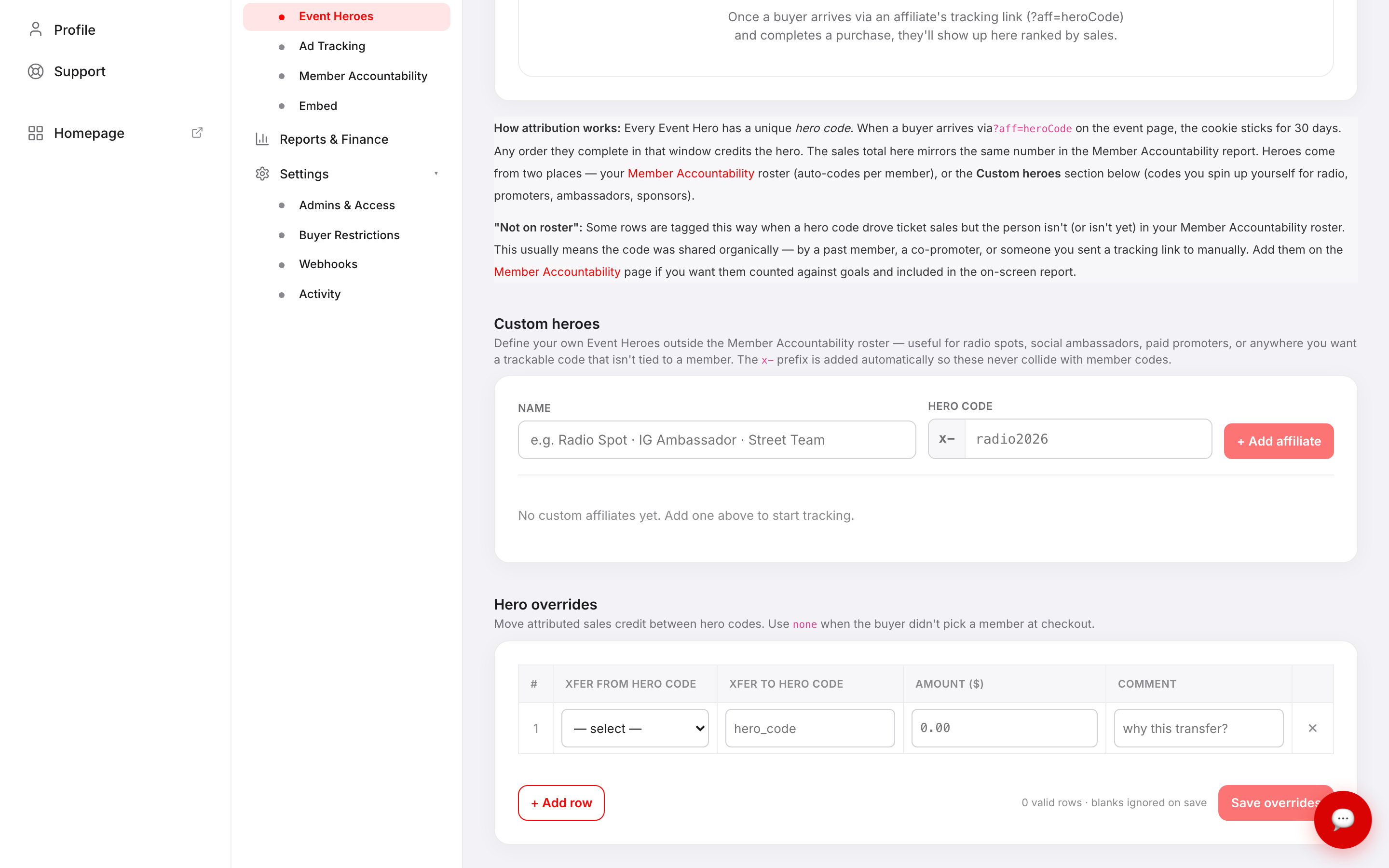
- 1. Under Custom heroes, click + Add affiliate.
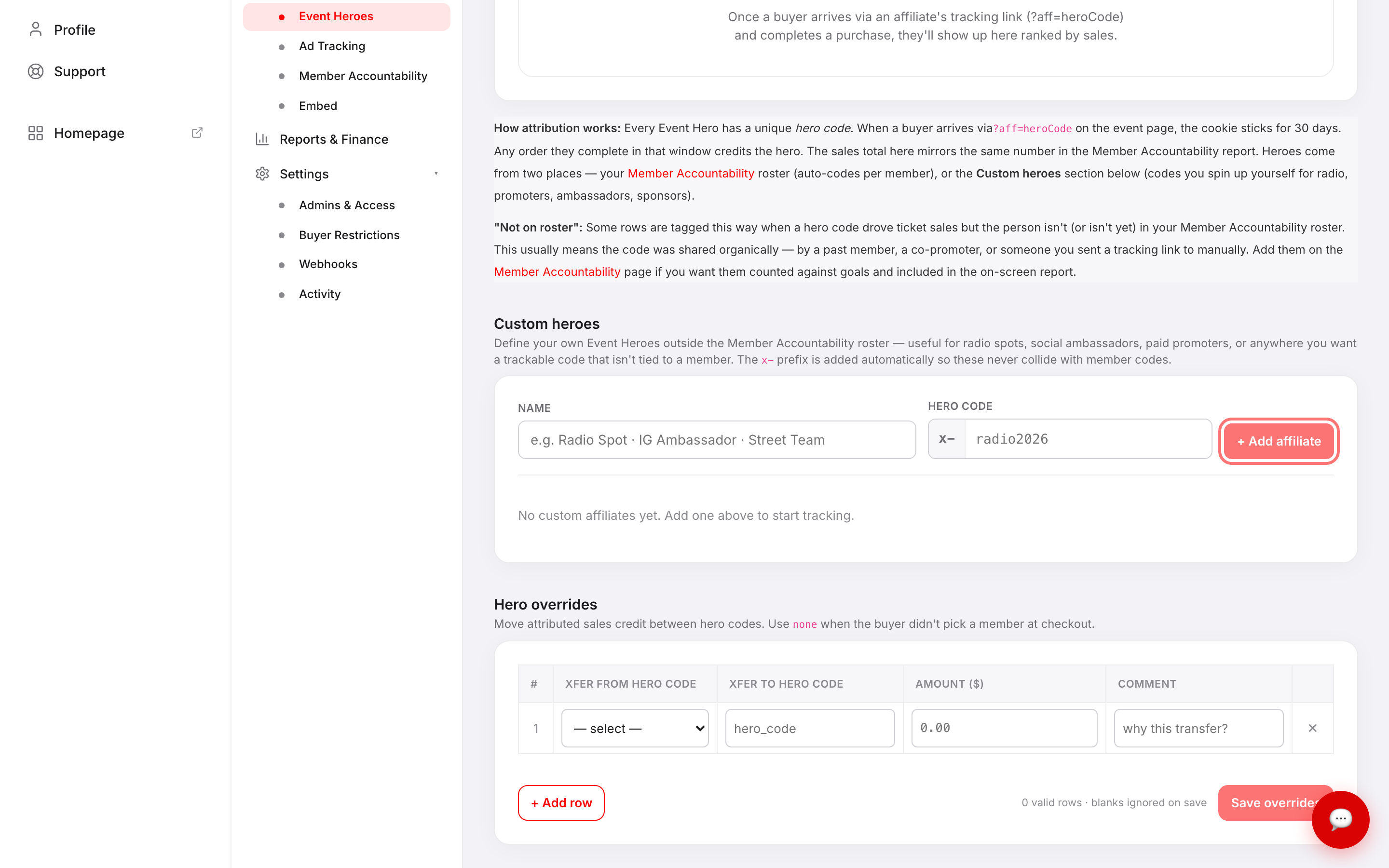
- 2. Enter a Name and a Hero code. The
x-prefix is added automatically so custom codes never collide with member codes. - 3. Share the tracking link — it's your event URL with
?aff=x-yourcodeappended.
Export the breakdown
Click ⬇ Export hero sales at the top of the screen to download a spreadsheet with every hero, their order count, and the dollars they drove. Use this for payout calculations or to share with the hero themselves.
Troubleshooting
- A hero shows no sales but says they shared the link — confirm the buyer arrived via the tracking link (the URL must include
?aff=heroCode) before checking out. Buyers who arrived directly or via a different link don't credit the hero retroactively. - A row is tagged "Not on roster" — the hero code drove sales but that person isn't in your Member Accountability roster. This is common when a code was shared organically by a past member or a co-promoter. Add them on the Member Accountability screen if you want them counted toward goals.
- Sales credited to the wrong hero — use the Hero overrides table at the bottom of the screen to move credit between hero codes, then click Save overrides.
Last updated 2026-08-14 · All FAQs & video tutorials