

Daily Sales Report Emails
The daily executive report is an email that goes out each morning with the latest sales numbers for your event. You stay on top of ticket velocity without logging in, and you can add your finance committee, board members, or co-organizers so they get the numbers automatically too. You set it up under Settings → Admins & Access for each event.
Step-by-step
- 1. Open your event and click Settings → Admins & Access in the left sidebar.
- 2. Scroll down to the Daily executive report section.
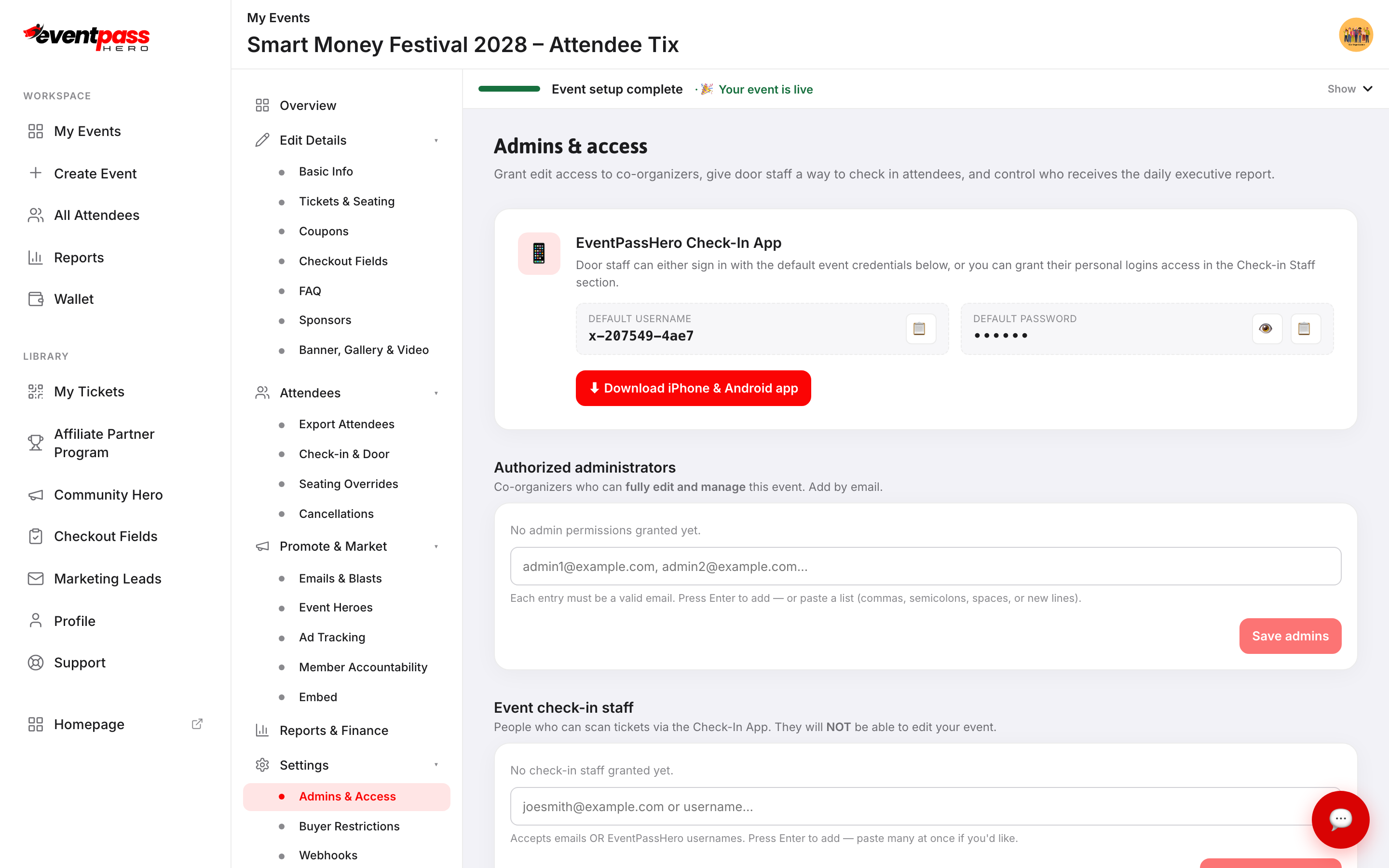
- 3. The Send the daily report toggle is off by default. Click it to turn it On.
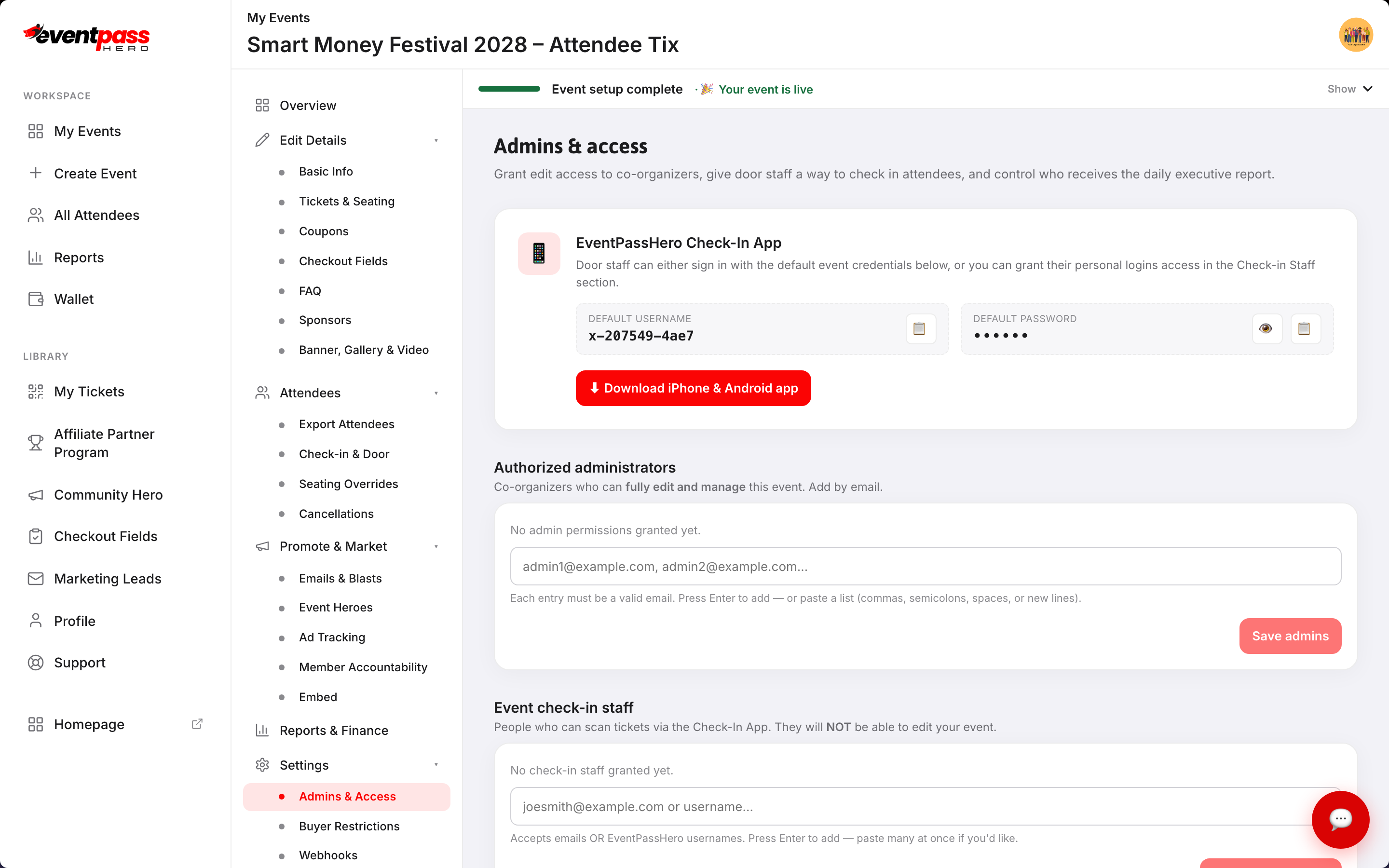
- 4. Type email addresses in the recipients field — one per line, or paste a comma-separated or semicolon-separated list. Press Enter after each address, or paste the whole list at once.
- 5. Click Save report settings.
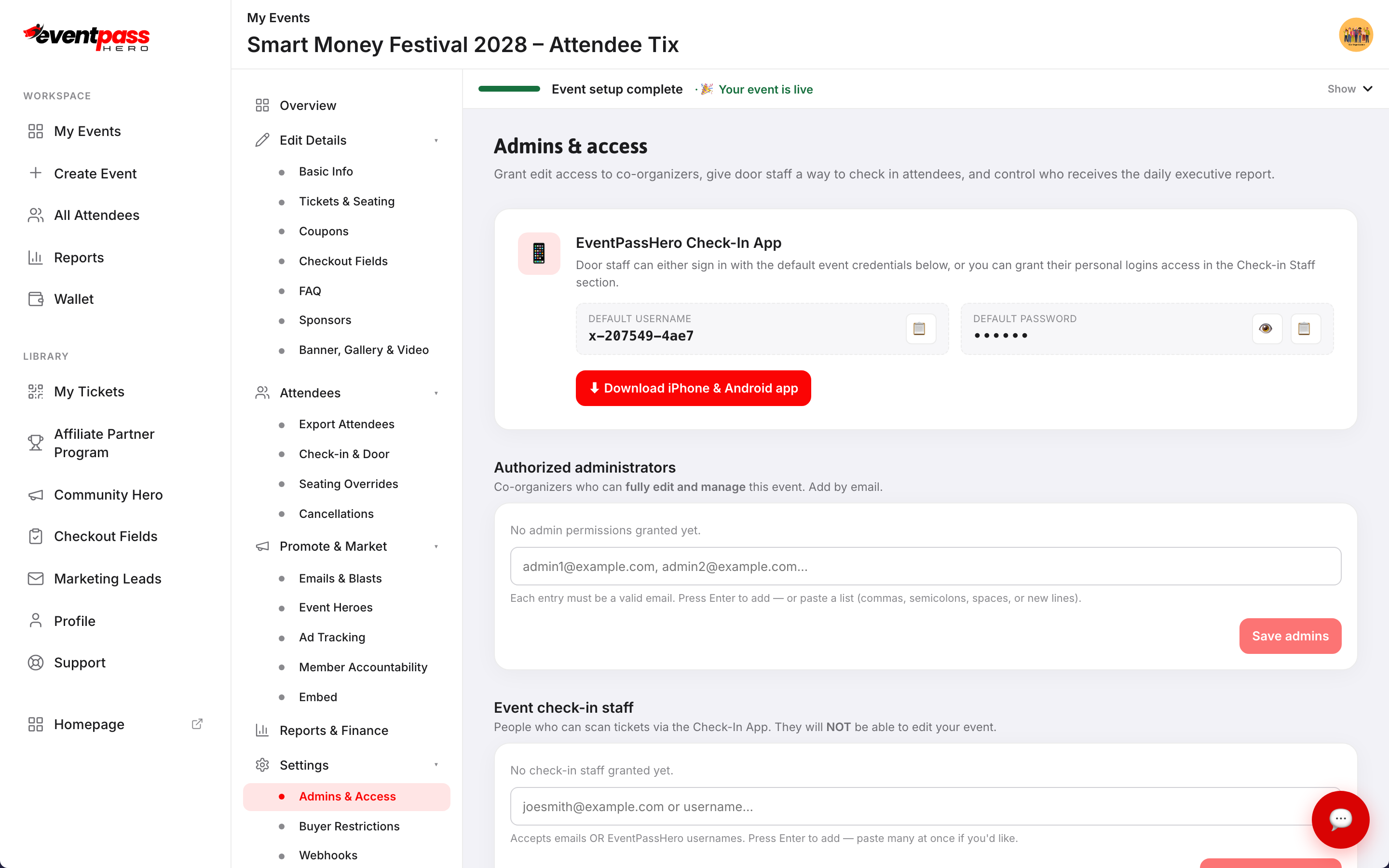
You will always receive the daily report as the event owner regardless of the recipients list. The recipients list adds additional people.
What's in the report
Each morning's report includes:
- Sales totals — gross, net, and refunded amounts for the day and running event totals
- Sales by ticket type — how many of each ticket type sold
- Sales by affiliate — which Event Heroes drove sales and how much
- Detailed transactions — individual orders with buyer name, ticket type, and amount
The same report is also available on demand: on the Reports & Finance screen, the ✉ Email executive report button sends it to your inbox immediately.
Troubleshooting
- A recipient isn't getting the email — check that the address is spelled correctly in the recipients list and that they haven't blocked email from EventPassHero. Ask them to check their spam folder.
- You want to remove a recipient — go back to Settings → Admins & Access, find the email in the recipients field, delete it, and click Save report settings.
- The toggle won't stay On — make sure you click Save report settings after turning the toggle on. The toggle position alone doesn't save; the save button commits both the toggle state and the recipients list.
Last updated 2026-08-14 · All FAQs & video tutorials