

What to Expect at the Door
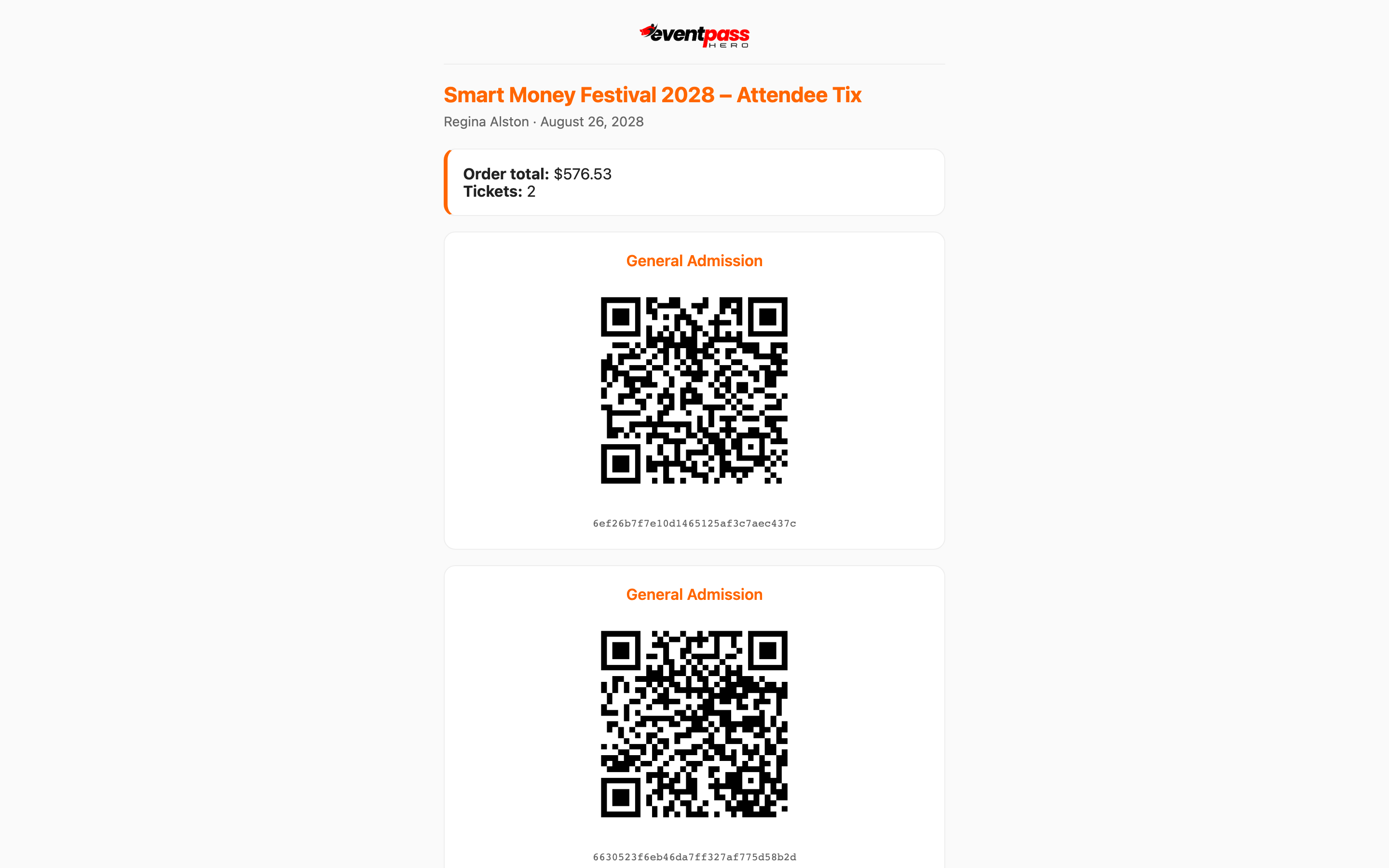
Getting in is simple: have your QR-code ticket ready and staff scan it at the door. Your ticket lives in your Ticket Order Success confirmation email, on the My Tickets page when you're signed in, in Apple Wallet or Google Wallet if you added the pass, or on paper if you printed it — any of these scans the same. Turn your screen brightness up, and if a code ever won't scan, door staff can look you up by name or email.
Before you leave home
- Find your ticket. Search your inbox for "EventPassHero" or your order number, or sign in and open My Tickets. Each ticket has its own QR code.
- Add it to your wallet (optional but fastest at the door): the confirmation email includes an Apple Wallet pass, and the tickets page has wallet buttons — your pass works even with a spotty signal in line.
- Check the event page's FAQ for the dress code and any age requirement — if the event lists one (like "21+ with valid ID"), bring photo ID.
At the door
- 1. Open your ticket and raise your screen brightness.
- 2. Show the QR code to staff — they scan it with the EventPassHero check-in app, and you're in. Scanning takes seconds; events routinely see a 98% first-scan success rate.
- 3. Group order? Every ticket in the order has its own QR code on the same tickets page — swipe through and scan each guest in, or have guests bring their own if you transferred tickets to them ahead of time.
Some events run separate lines by ticket type (VIP, general admission, members) — follow the signs and staff directions to the right lane.
Each ticket scans once
A QR code checks in exactly one person, one time. Don't screenshot your ticket for friends — the second scan of the same code is flagged as already used. If different people are arriving separately, transfer each ticket to its holder beforehand from My Tickets.
Troubleshooting
- Your QR won't scan — brightness up, clean the camera's view, hold steady. Staff can always find your order by name or email and check you in manually.
- Your phone died — door staff can look you up by the name or email on the order; a printed ticket also avoids this entirely.
- You can't find your ticket in line — the event page has a Lost your tickets? card that re-emails them; see the guide below.
- You want to leave and come back — re-entry rules are set by the event, not the platform. Check the event page's FAQ or ask door staff on your way out.
Last updated 2026-08-14 · All FAQs & video tutorials