

Every organizer has one story they tell with a thousand-yard stare. The will-call list nobody could find. The Wi-Fi that died at 8:01. The cash box that went home early. None of these disasters announce themselves — they just show up at the door, at doors-open, in front of everybody. The good news: every single one of them is preventable, and the prevention fits on one page. This is that page — five real event-day horror stories, the calm fix for each, and the event day checklist that keeps them from ever happening to you.
One note before we start: in every story, the villain is the chaos, not a person. Denise didn’t ruin the gala. The volunteer who left at 9 didn’t sabotage anything. They were set up to fail by a system with a single point of failure. Fix the system, and everyone — including Denise — has a great night.
Disaster 1: The spreadsheet was on Denise’s dead phone
Doors open at 7. The will-call list — the only will-call list — lives in a spreadsheet on Denise’s phone. At 6:40, Denise’s phone dies. Her charger is in her other bag, her other bag is at her cousin’s house, and forty people are now standing at a folding table while someone shouts “does anybody have an Android cord?”
The calm fix: stop keeping the guest list in any one place — or on any one person. With QR tickets on EventPassHero, every attendee carries their own proof of purchase, and any staffer with the organizer app can scan tickets or search attendees by name. The list lives in the platform, not on a phone that can die. Denise gets to enjoy the party she helped plan.
Disaster 2: “I paid Marcus for a table via Cash App at church”
She’s standing at the door, dressed beautifully, absolutely certain: she paid $200 for a table two Sundays ago, via Cash App, to Marcus, at church. Marcus isn’t here yet. There’s no record, no name on any list, and no way to know if she’s one of three people Marcus collected from — or one of thirteen.
The calm fix: every sale goes through checkout — no exceptions, including the ones sold face-to-face. EventPassHero’s checkout takes Cash App Pay, Apple Pay, Google Pay, and cards, so “let me just Cash App you” has a better answer: “even easier — tap my link and pay with Cash App right in checkout.” Same payment method your buyers already love, but now every purchase creates a ticket, a record, and a report. Nobody has to reconstruct Marcus’s side deals at the door.
If it didn’t go through checkout, it didn’t happen — and event day is the worst possible time to discover that.
Disaster 3: The line wrapped around the block at doors-open
The party of the year, and it looks like it from the street — a line down the block at 9 p.m. Except the line isn’t moving. One person is checking names against a printout with a phone flashlight, the DJ is playing to a half-empty room, and people at the back are starting to do the math on just going home.
The calm fix: throughput is a staffing decision you make in advance. Add scan-only check-in staff — a role that can scan tickets but can’t see your sales numbers or touch your settings, so you can hand it to any volunteer without a second thought. Put two or three scanners on the door, and let Apple and Google Wallet passes do their thing: tickets that pull up in one swipe instead of a five-minute email archaeology dig.
Disaster 4: The volunteer with the cash box left at 9
Somebody had to hold the cash box. Somebody’s babysitter had a curfew. At 9:15, someone asks where the door money is, and the answer is: in a tote bag, in a Honda, halfway home. Nothing nefarious happened — but now there’s a late-night phone call, an awkward count in a kitchen, and a treasurer who won’t relax for a week.
The calm fix: run a cash-free door. When every sale — advance and walk-up — goes through checkout, there’s no box to guard, no counting errors at midnight, and no one person carrying the night’s take home. Money lands in your account on Stripe’s daily payout schedule, with each sale arriving 2–3 business days after the transaction — so the money from Saturday night is in the bank while you’re still writing thank-you posts. And if someone needs their money back later, refunds are handled in-platform, full or partial, from the dashboard — not from an envelope.
Disaster 5: “Can you resend my ticket?” ×40, at 6 p.m.
It starts as a trickle at 4 and a flood by 6: “I can’t find my ticket.” “It went to my old email.” “I bought one for my sister, can you send hers separately?” You’re supposed to be checking the sound system; instead you’re a one-person help desk, forwarding PDFs from the parking lot.
The calm fix: make ticket recovery self-service. Attendees can re-download their tickets from their own account anytime — no organizer required. Bought a ticket for your sister? Transfers are attendee-initiated: the ticket holder reassigns it to her name and email themselves. And for the handful who show up empty-handed anyway, any staffer with the app can look them up by name and check them in on the spot. The help desk closes; the sound check happens.
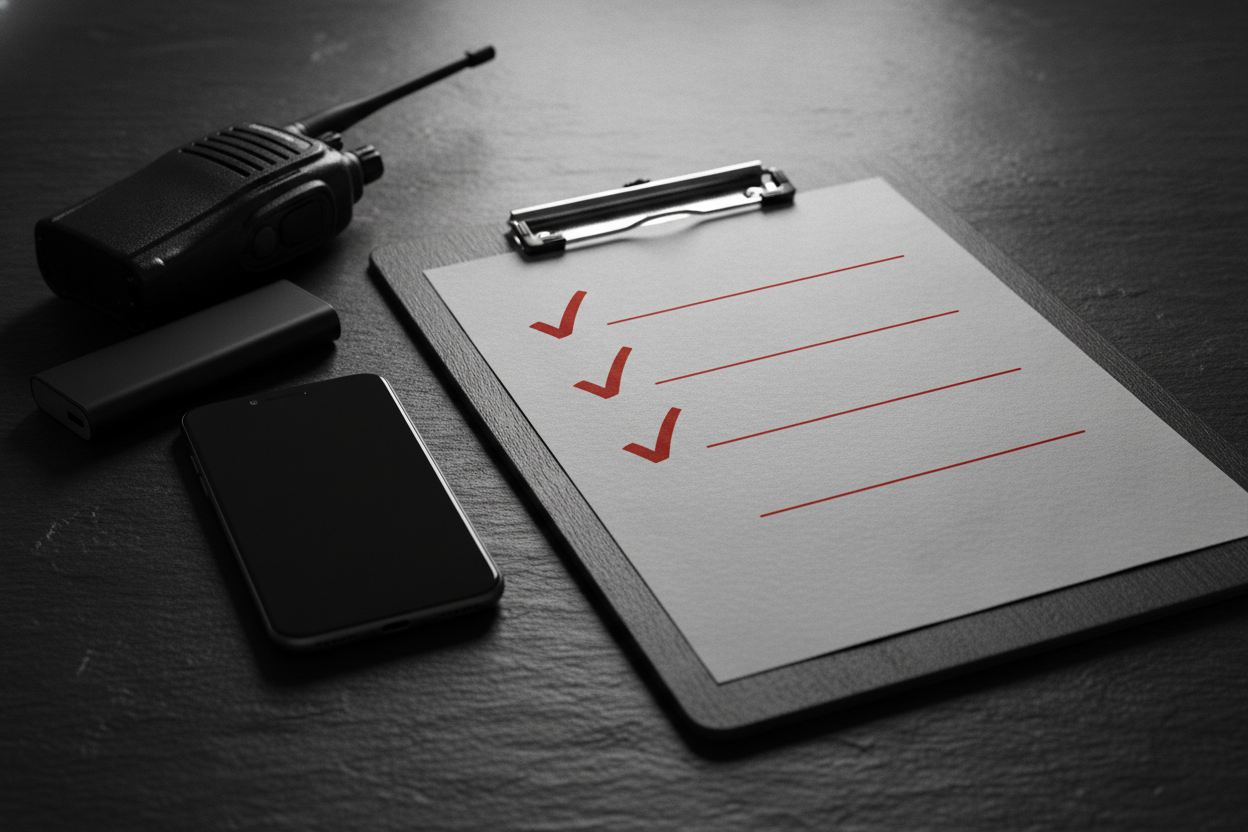
The event day checklist that prevents all five
- Scanners charged — every check-in phone at 100%, plus one portable battery pack per door.
- Hotspot ready — one phone designated as the backup connection; tested during setup, password taped inside the check-in table.
- Staff roles assigned — scan-only check-in access granted to every door volunteer before event day; two to three scanners per door.
- Will-call short-list — comps, VIPs, and known special cases written down and shared with the whole door team, not memorized by one person.
- Signage up — “Have your QR code ready” at the back of the line saves ten seconds per guest at the front of it.
- Cash-free door confirmed — walk-up buyers purchase through the event page at the door; no cash box exists, so no cash box can leave.
- Self-service reminder sent — afternoon email/text to all attendees: “add your ticket to your wallet now, beat the line.”
- One floater — a staffer with full access who handles the weird stuff, so scanners never stop scanning.
Common questions
What should be on an event-day checklist?
Charged scanning phones with battery backups, a tested phone hotspot, scan-only staff access assigned in advance, a shared will-call short-list, “QR ready” signage, a cash-free door plan, and an afternoon reminder telling attendees to add tickets to their wallet. One page covers the five most common disasters.
What if the venue Wi-Fi goes down?
Plan for it, because it happens constantly. QR scanning needs a live internet connection, so designate one phone as a hotspot, test it during setup, and connect your scanning phones the moment Wi-Fi wobbles. Cellular data on the scanning phones themselves works as a second layer of backup.
How many people do I need scanning at the door?
Two to three scanners per entrance for most community events. A single scanner handles a steady trickle fine, but doors-open is a wave, not a trickle. Since scan-only staff can’t see sales data or settings, you can safely deputize volunteers, dates, and little cousins.
What do I do when someone claims they paid but has no ticket?
Search for them by name in the organizer app first — plenty of “missing” tickets are just buried emails. If there’s genuinely no record, the sale never went through checkout. Offer to sell them a ticket on the spot through the event page and let them settle up with whoever they paid afterward.
Can door staff see my sales numbers?
No. Scan-only check-in staff can scan tickets and check people in — that’s it. They can’t see revenue, attendee exports, or event settings. Full financial visibility stays with you and the admins you explicitly choose, which is exactly how a volunteer door team should work.
Related reading
- The EventPassHero Organizer Mobile App — the scanner, the name search, the whole door kit.
- Team Roles: Admins, Staff, and Board — how scan-only access keeps volunteers useful and your numbers private.
- Day Party & Block Party Ticketing — the events where the door line makes or breaks the night.
The bottom line
Event-day disasters are never really about one dead phone or one flaky router — they’re about single points of failure. Put the guest list in the platform instead of on a phone, every dollar through checkout instead of through side apps, scanning in many hands instead of one, and a hotspot in your pocket instead of blind faith in venue Wi-Fi. Do that, and the worst thing that happens at your next event is running out of ice.
Ready to run a door so calm it’s boring? Create your event and set up your door team in minutes, or book a quick demo and we’ll build your event-day checklist together.

Raise More Money With Less Stress.
Sell more tickets. Stay in control. Built for organizations that move the community.
Start selling tickets →