
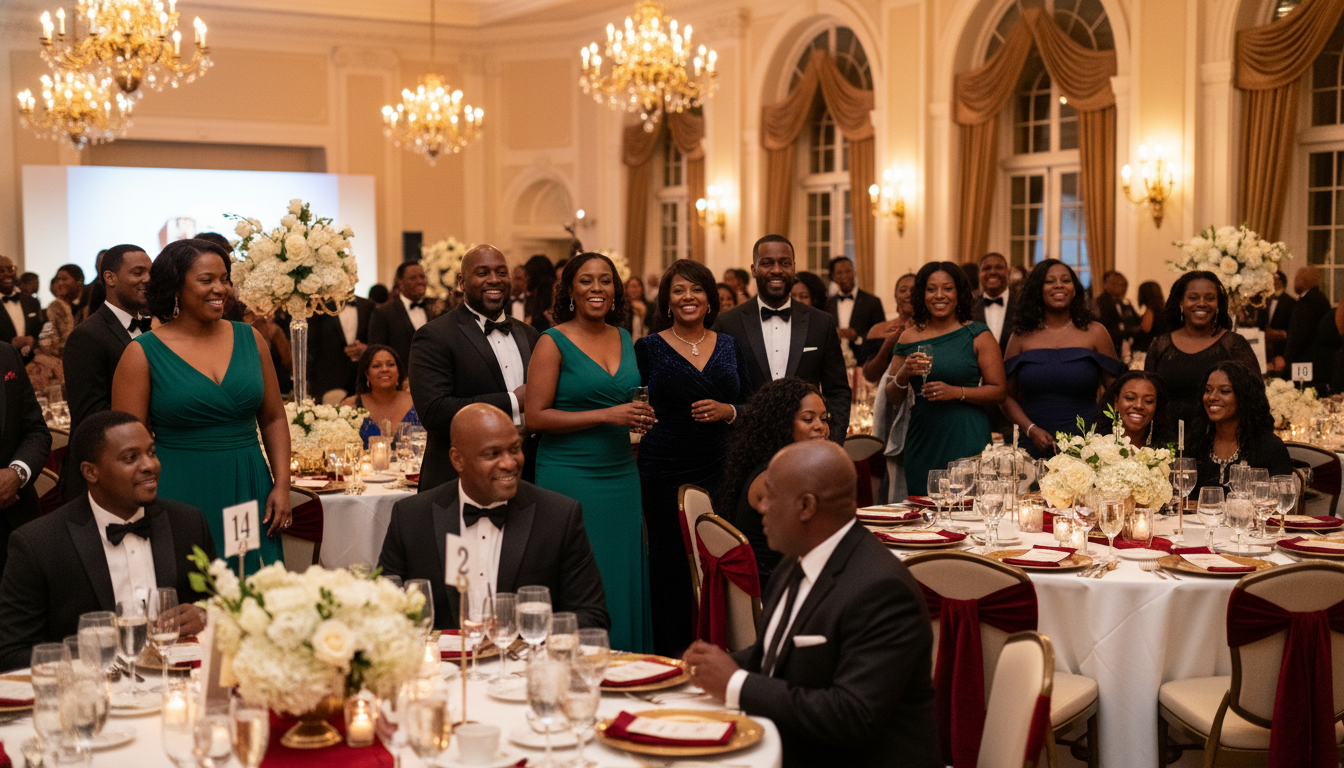
You know the fight. It’s three weeks before the gala and the planning group chat has turned into a hostage negotiation over who sits at table one, who’s stuck by the kitchen door, and why the chapter president’s mom absolutely cannot be next to that family. Somebody made a seating chart in a spreadsheet. Somebody else “fixed” it. Now nobody trusts the chart.
Here’s the good news: that whole drama ends here. With EventPassHero’s Interactive Seating, your guests pick their own seats at checkout — on a real map of your real room — and the chart builds itself as tickets sell. No spreadsheet. No referee. No 11 p.m. “can we swap?” texts.
Your venue, on a map your buyers can actually use
It starts with a visual layout of your space. Upload a map of your venue or build one right in EventPassHero — tables, sections, rows, and individual seats. A ballroom full of round tables, a theater with curved rows, a banquet hall split into VIP and general sections: if you can describe the room, you can map it.
That map isn’t just for you. Buyers see it at checkout and click the exact seat they want. They can see what’s open, what’s taken, and where they’ll actually be sitting before they pay — the same confidence they’d get buying a concert or ballgame ticket, now on your event.
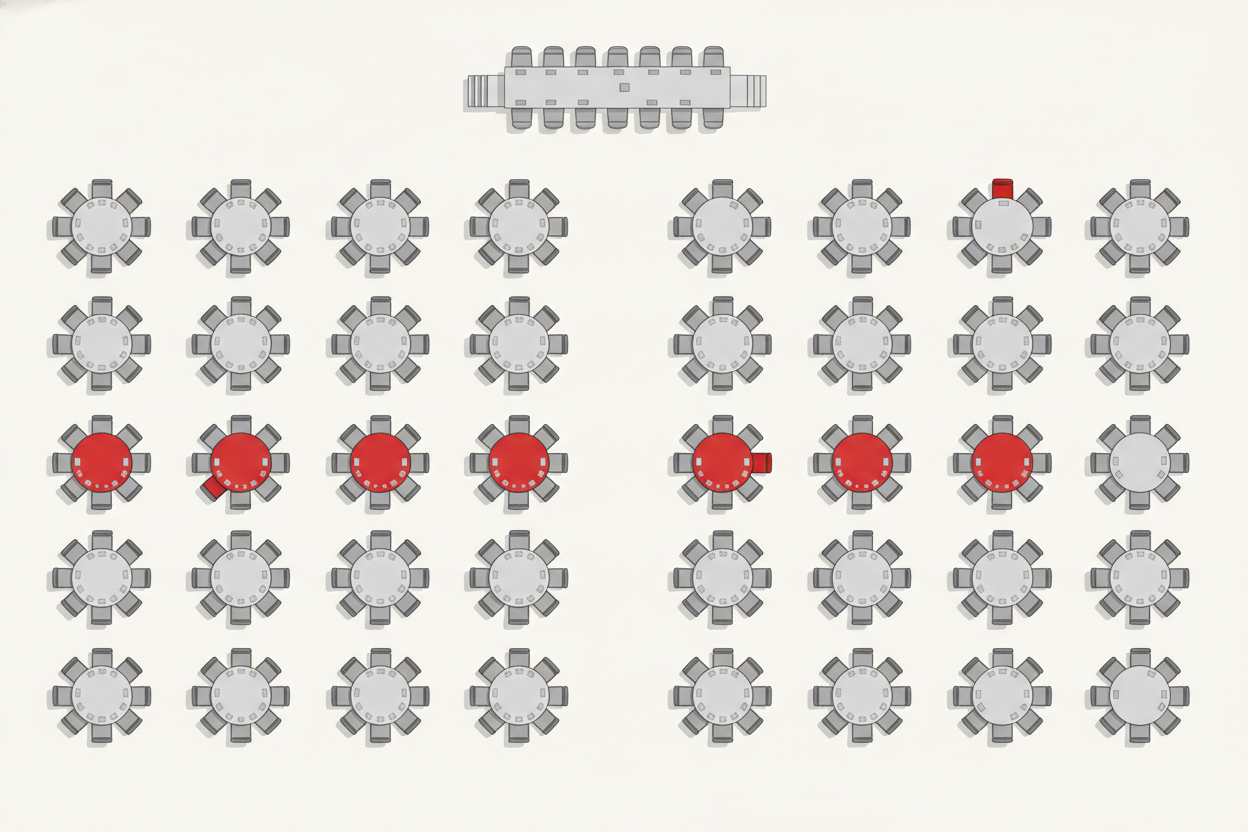
The best seating chart is the one you never have to argue about — because your guests built it themselves, one click at a time.
Let guests choose — or assign it for them. Per ticket type.
Self-selection is great, but you don’t always want it everywhere. Interactive Seating supports both guest self-selection and auto-assignment, and you control it per ticket type. That means you can let general-admission buyers pick their own seats while keeping your VIP, group, or member-only seats auto-assigned exactly where you want them.
Guest self-selection Auto-assign by ticket type VIP & group reserved Member-only seats locked
Build a 500-seat ballroom in about two minutes
Now for the part that saves your sanity. Mapping a big room by hand — labeling row after row, seat after seat — is the kind of task that eats an entire evening. The Seat Code Wizard does it for you. Point it at your layout and it bulk-generates your row and seat codes automatically — A1, A2, A3, B1, and on down the line.
What used to take two hours of squinting at a chart now takes about two minutes. A 500-seat ballroom, coded and ready, before your coffee gets cold.
Tables that know who’s sitting at them
Selling a full table of eight to one buyer? Interactive Seating handles it beautifully. When someone buys a table, they can enter each guest’s name and email right at checkout. Every guest gets their own QR ticket, and the seat is printed right on the ticket.
So the alumna who bought the whole table for her line sisters doesn’t have to forward one giant order confirmation and play traffic cop at the door. Each person walks up, scans their own ticket, and knows exactly where they’re headed. Cleaner check-in, happier guests, zero confusion.

From intimate dinners to packed arenas
There’s no practical limit on size. Organizers use Interactive Seating for everything from a 50-seat intimate scholarship dinner to a 5,000-plus-seat arena — and the experience scales right along with the room.
Galas & banquets
Round tables, sections, reserved VIP rows — map the room exactly as it’s set.
Scholarship dinners
Even a 50-seat room reads cleaner when every guest sees their spot ahead of time.
Step shows & theaters
Curved rows and tiered sections map cleanly, so buyers know exactly what they’re getting.
Arenas & big rooms
5,000-plus seats? The Seat Code Wizard builds the layout in minutes, not hours.
Why this matters more than it looks
Seating feels like a logistics detail, but it’s really about experience. When a guest picks their own seat, they show up already knowing they belong somewhere specific. When a table buyer can name every guest, your check-in line moves. And when the chart builds itself as tickets sell, your committee gets its evenings back instead of refereeing the group chat.
The bottom line
Interactive Seating turns the messiest part of event planning into one of the easiest. Map your venue, decide what guests pick and what you assign, and let the Seat Code Wizard handle the heavy lifting. Your buyers get the seat they want, your guests get their own tickets, and you get the drama-free chart you always wished for.
Ready to let your guests pick their seats? Create your event and turn on Interactive Seating, or book a quick demo and we’ll map your venue with you.

Raise More Money With Less Stress.
Sell more tickets. Stay in control. Built for organizations that move the community.
Start selling tickets →