

You’ve sold the tickets. Now comes the scramble: emailing every guest to ask their meal choice, chasing t-shirt sizes in a group chat, and trying to match emergency contacts to names in a spreadsheet that grows messier by the hour. There’s a cleaner way — ask once, at the moment that matters most.
EventPassHero lets you add custom checkout fields to your event, so the information you need is captured per attendee right when they buy. No follow-up emails, no “can everyone reply with their size by Friday,” no reconstructing answers after the fact. You decide what to ask. Your buyers answer it once. And it’s there waiting for you.
The problem isn’t the question — it’s the timing
Every organizer eventually needs more than a name and an email. A gala needs meal counts. A 5K needs a signed waiver and an emergency contact. A chapter event needs to know who’s a member and which chapter they’re repping. A merch tie-in needs sizes. None of that is hard to ask — the problem is when you ask it.
Ask after the sale, and you’re herding people. Ask during checkout, and the answer is simply part of the purchase. That’s the whole idea.
If you need the answer anyway, get it while you have their attention — at the moment of purchase, not days later.
Add the fields you need — required or optional
Custom checkout fields are exactly what they sound like: extra questions you add to your checkout form. For each one, you decide whether it’s required (the buyer can’t finish without answering) or optional (nice to have, but not a blocker). That single toggle lets you collect the must-haves without adding friction where it isn’t needed.
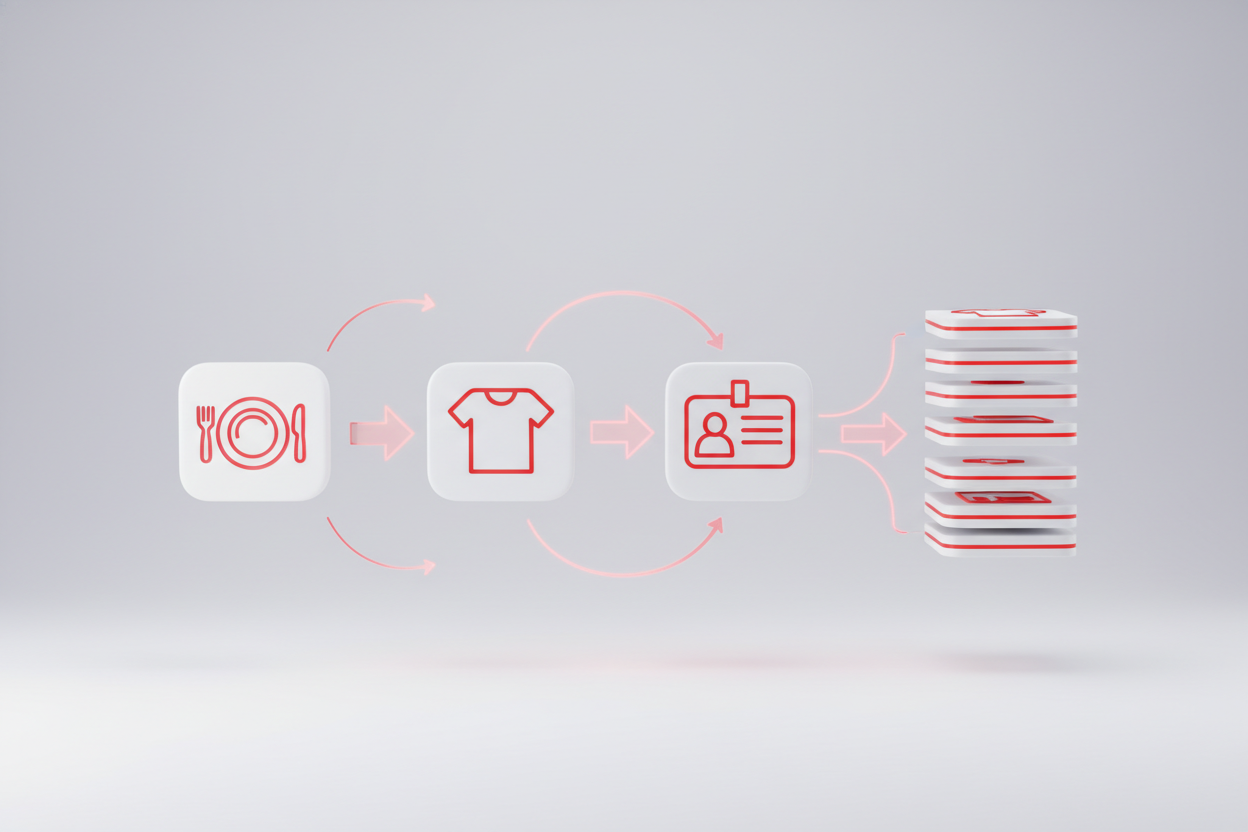
Here are the kinds of fields organizers reach for most often:
Meal choice
Beef, fish, or vegetarian — capture it up front so your venue counts are exact.
Apparel / t-shirt size
S through XXL collected at checkout, ready for your merch or swag order.
Member or chapter ID
Know who’s a member and which chapter they belong to, attendee by attendee.
Emergency contact
A name and number on file for every participant at a physical event.
And one more that earns its keep for active events: a waiver or consent acknowledgment — a required checkbox confirming each buyer has read and agreed before they can complete their purchase.
Meal choice Apparel size Member / chapter ID Emergency contact Waiver acknowledgment
Captured per attendee, at the moment of purchase
This is the part that quietly saves you hours. Because the fields live inside checkout, the answers are captured per attendee, at the moment of purchase. You’re not collecting a vague total — you have each person’s specific answer tied to their ticket, up front, instead of chasing it down later.

Built for the events you actually run
Different events need different details, and custom fields flex to match:
- Galas and dinners — meal choices give you accurate counts for the venue and kitchen.
- Member organizations — chapter and member IDs tell you who’s who across your roster.
- 5Ks and physical events — waivers and emergency contacts collected before anyone laces up.
- Merch tie-ins — apparel sizes captured alongside the ticket, ready for your order.
It’s a small addition to your checkout that changes how the whole event runs behind the scenes — fewer follow-ups, fewer surprises, and far less reconstructing answers from memory.
The bottom line
Stop chasing dietary restrictions and t-shirt sizes in a spreadsheet after the sale. Add the fields you need to your checkout, mark each one required or optional, and let the answers come to you — captured per attendee, the moment they buy. You ask once. Your buyers answer once. And you start your event already knowing what you need to know.
Ready to collect exactly what you need? Create your event and add your custom checkout fields, or book a quick demo and we’ll set them up with you.

Raise More Money With Less Stress.
Sell more tickets. Stay in control. Built for organizations that move the community.
Start selling tickets →